



Visualize your business workflows
The easiest way to map business processes. Two powerful views, assign tools AND people to steps, and identify opportunities for optimization.

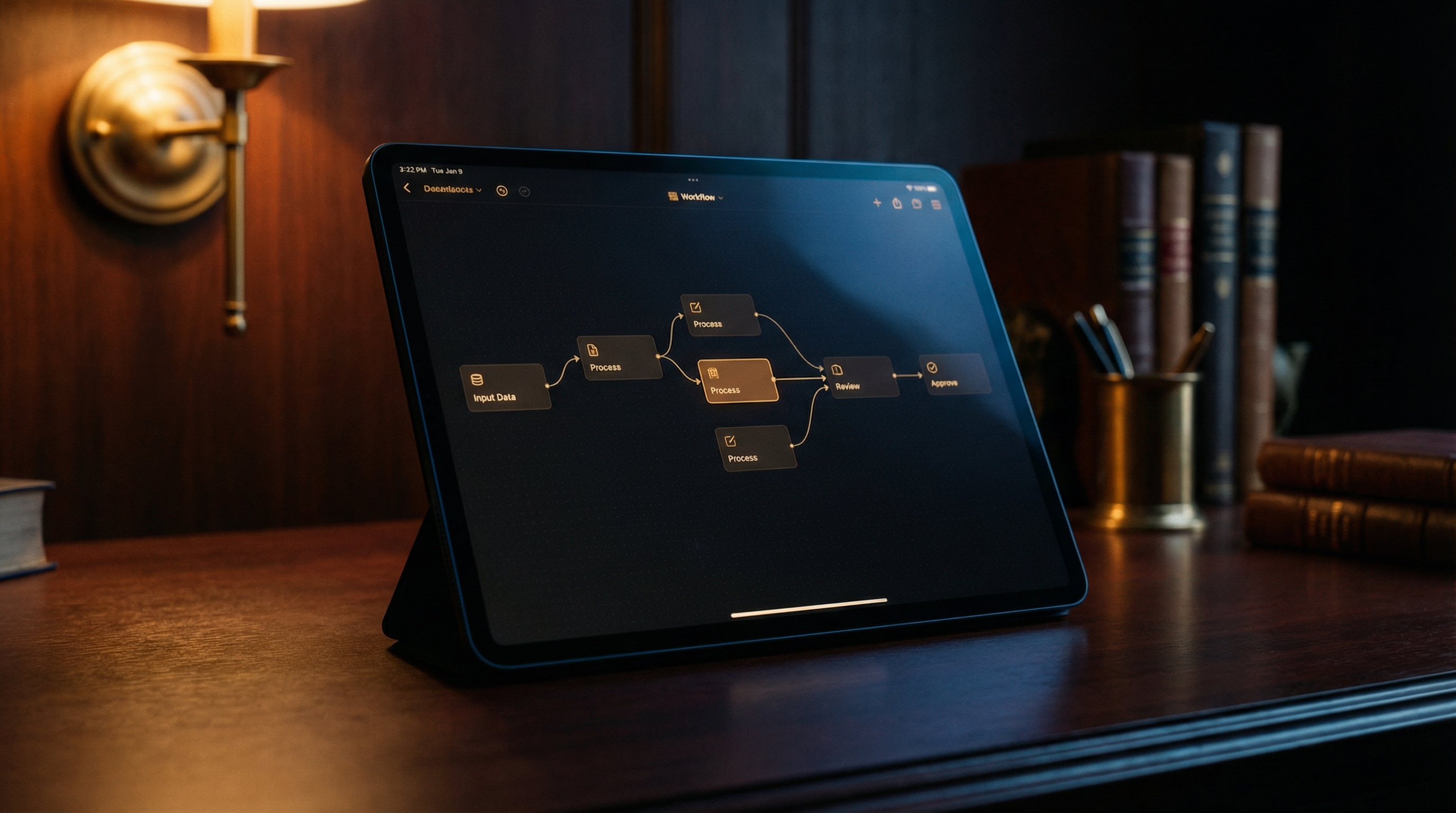
Horizontal process flow
Map your processes from left to right. See the complete journey of work through your system, with clear connections between steps.
- Visual step-by-step flow
- Connected process nodes
- Easy to understand at a glance
Responsibility-based layout
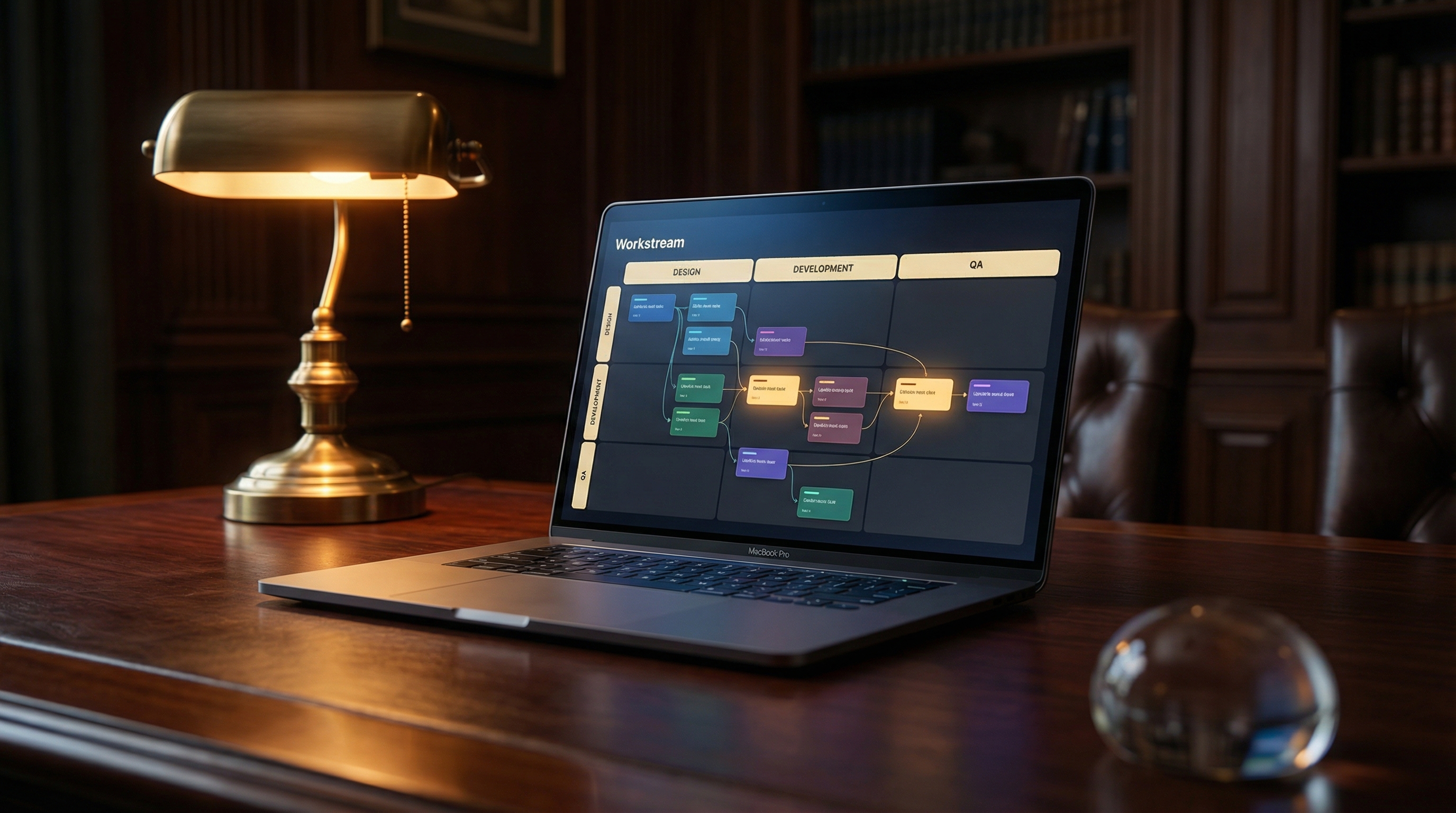
See who (or what) is responsible for each step. Three lanes show the distribution of work across you, your team, and automation.
Tasks you handle personally
Tasks delegated to team members
Tasks handled by tools and systems
Process types
Categorize each step by how it's executed to understand your process automation level.
Manual
Human-executed processes requiring hands-on work
Automated
Processes handled by tools and integrations
AI-Empowered
Processes enhanced by artificial intelligence
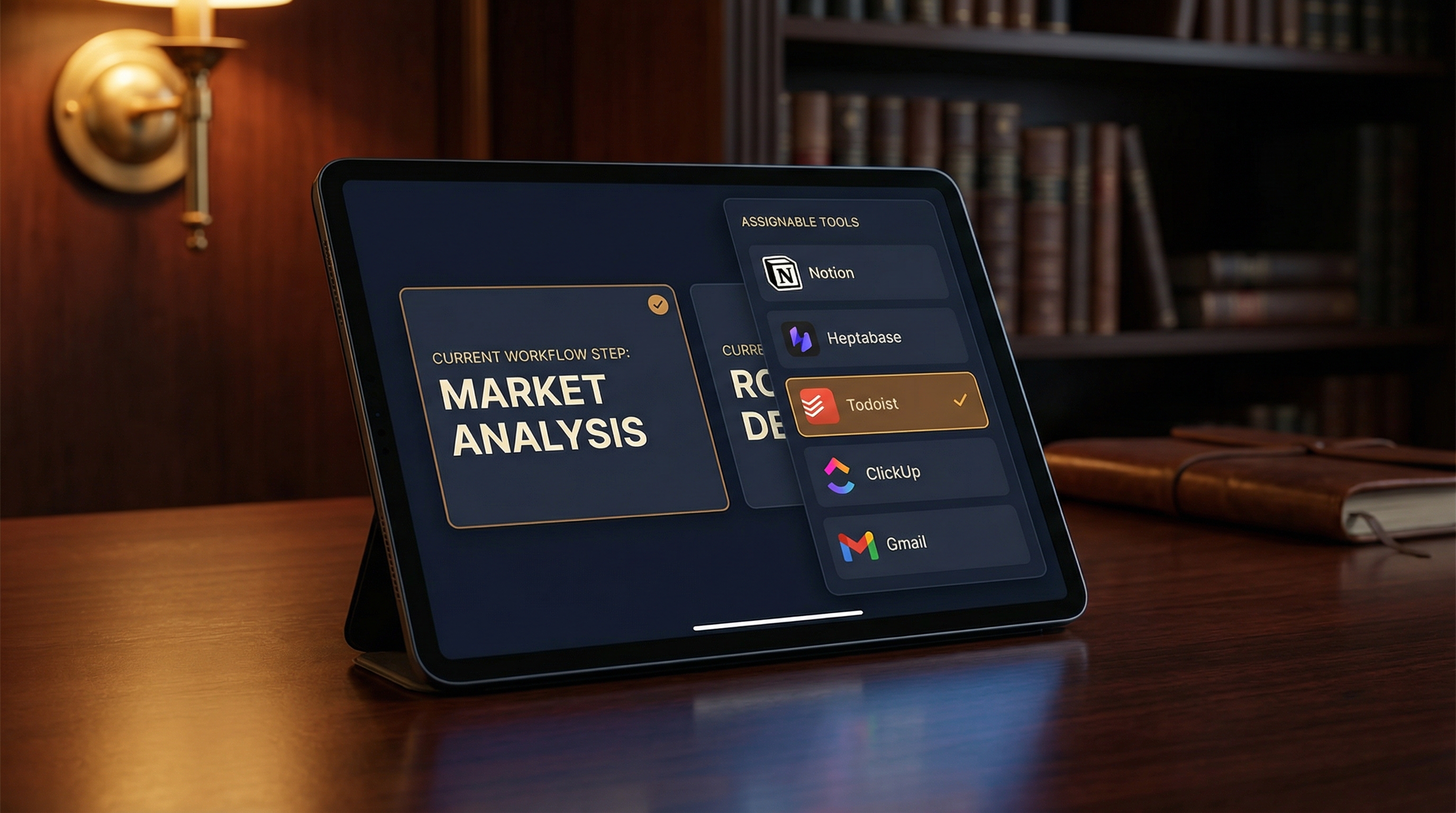
Assign tools & people
Each process step can have assigned tools and people. This creates a complete picture of how work flows through your organization.
- Link tools from your stack
- Assign team members
- Mark automated steps
Optimization opportunities
The Workstream Creator helps you identify ways to improve your processes.
Identify Bottlenecks
Spot Automation Opportunities
Outsourcing Potential
Tool Optimization
Ready to map your processes?
Start visualizing your workflows and discover opportunities to optimize your business operations.